How to Manage a Preschool Efficiently: 7 Tasks You Can Automate
Running a preschool is about more than creating a fun learning environment for children. Behind every successful preschool is a team managing admissions, attendance, fee collection, parent communication, staff schedules and daily activities.
When all these responsibilities are handled manually, even simple tasks can take up valuable time. Maintaining registers, following up with parents, tracking payments and preparing reports can make everyday administration challenging.
But what if you could simplify these activities and spend more time focusing on children’s learning and development?
With the right digital tools, preschool owners can automate repetitive administrative tasks, reduce paperwork and keep daily operations organised.
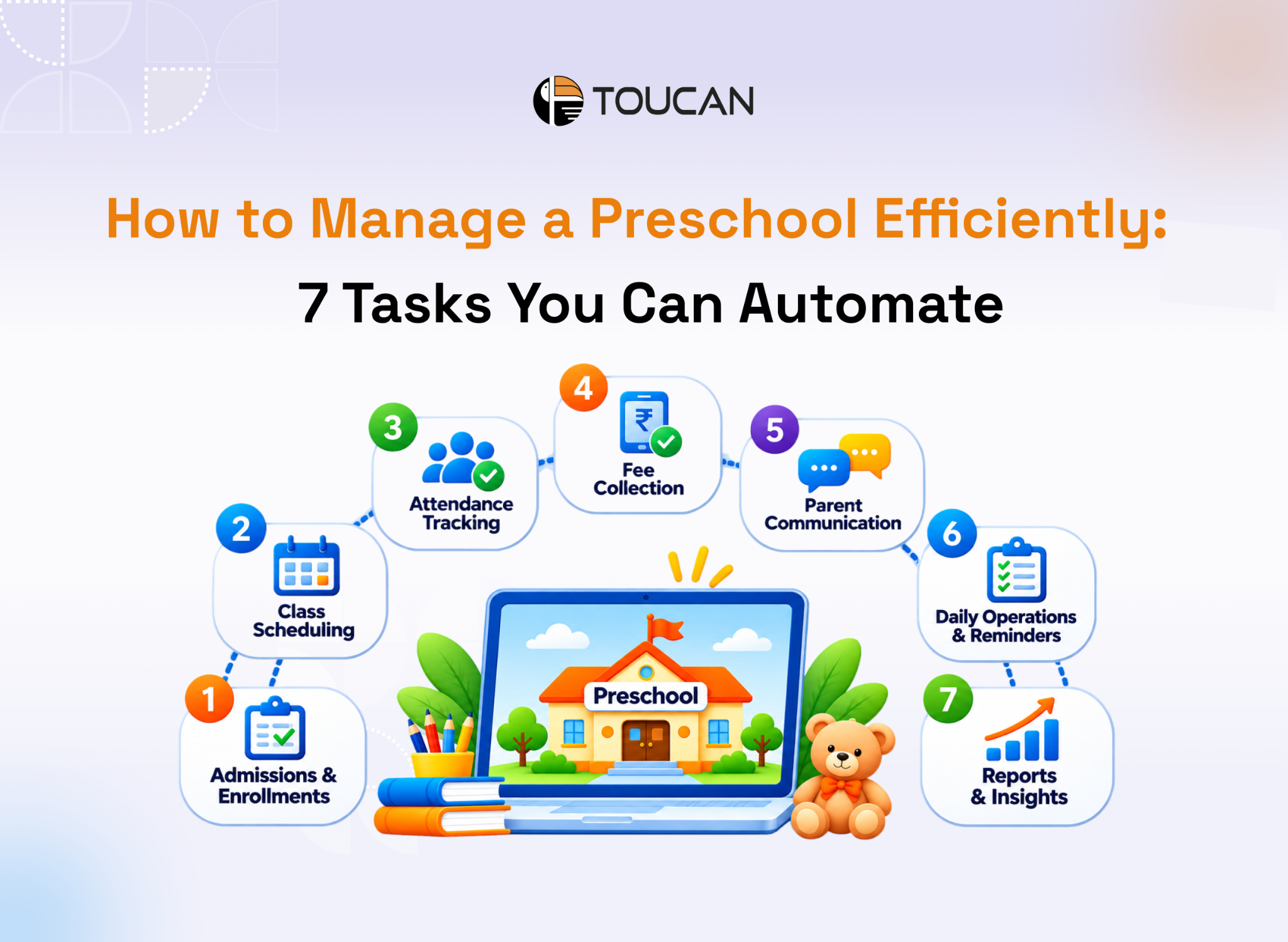
Here are seven important preschool tasks you can automate to manage your institution more efficiently.
7 Everyday Preschool Tasks You Can Automate
1. Admission Enquiries and Student Registration
Managing admission enquiries across phone calls, website forms and walk-in visits can become difficult, especially during admission season.
What you can automate:
▪ Capture admission enquiries through online forms.
▪ Maintain student and parent information digitally.
▪ Send admission confirmations and follow-up reminders.
▪ Track applications from enquiry to enrolment.
▪ Maintain organised admission records.
Why it matters: Avoid missed enquiries, reduce manual data entry and make the admission process smoother for parents and administrators.
2. Daily Student Attendance Tracking
Forget lengthy paper registers and manual attendance calculations. Digital attendance tracking makes it easier for teachers and administrators to maintain accurate records.
What you can automate:
▪ Record student check-ins and check-outs digitally.
▪ Maintain daily classroom-wise attendance.
▪ Send attendance notifications to parents.
▪ Track student absences and attendance history.
▪ Generate daily and monthly attendance reports.
Why it matters: Teachers spend less time on administrative work, while administrators get better visibility into student attendance.
3. Fee Collection and Payment Reminders
Following up with parents about monthly fees, maintaining payment records and checking outstanding balances can consume considerable administrative time.
What you can automate:
▪ Schedule monthly fee reminders.
▪ Maintain student-wise fee records.
▪ Track paid, pending and overdue payments.
▪ Share digital payment receipts.
▪ Generate fee collection and outstanding payment reports.
Why it matters: Simplify fee management, reduce repetitive follow-ups and maintain better financial records.
4. Parent Communication and Daily Updates
Parents want to stay informed about their child’s daily activities, classroom experiences, school announcements and important events. Managing these updates through individual messages can become time-consuming.
What you can automate:
▪ Send school announcements and important notices.
▪ Share event, holiday and activity reminders.
▪ Distribute classroom-wise updates.
▪ Communicate important student-related information.
▪ Share daily activity and meal updates.
Why it matters: Keep parents informed, improve communication and build stronger relationships between the preschool and families.
5. Student Records and Daily Activity Management
From personal details to classroom activities, preschools maintain a lot of information about every child. Searching through notebooks and separate spreadsheets can make record management difficult.
What you can automate:
▪ Maintain digital student profiles.
▪ Store parent contact and emergency information.
▪ Record daily classroom activities.
▪ Maintain meal, nap and activity schedules.
▪ Track learning milestones and developmental observations.
▪ Prepare student progress reports.
Why it matters: Keep important information organised and make student records easier for authorised staff to access.
6. Staff Attendance and Scheduling
Managing teachers, assistants and administrative staff requires proper coordination. Manual attendance registers, leave records and classroom schedules can create unnecessary administrative work.
What you can automate:
▪ Record staff attendance and working hours.
▪ Maintain employee information.
▪ Manage leave requests and availability.
▪ Organise teacher and classroom schedules.
▪ Assign and track daily responsibilities.
Why it matters: Improve staff coordination, maintain organised records and make daily preschool operations easier to manage.
7. Reports and Preschool Performance Tracking
Preschool owners need to understand how their institution is performing. However, collecting information from different registers and spreadsheets makes reporting time-consuming.
What you can automate:
▪ Generate admission and enrolment reports.
▪ Monitor student attendance trends.
▪ Track monthly fee collections.
▪ Review outstanding payments.
▪ Maintain staff attendance reports.
▪ Access classroom and operational information.
Why it matters: Get a clearer picture of daily operations, identify areas that need attention and make better administrative decisions.
How Can School Hub Help Preschools Manage Daily Operations?
Managing admissions, attendance, fees and parent communication separately can make preschool administration complicated.
School Hub helps bring essential preschool management activities together, making it easier for owners, administrators and teachers to manage everyday responsibilities.
With features designed around preschool operations, institutions can simplify routine administrative activities, maintain organised records and improve communication with parents.
Instead of spending hours on repetitive paperwork and manual follow-ups, preschool teams can focus more on creating a positive learning environment for children.
When choosing a digital solution for your preschool, look for features that support:
▪ Admission and student registration.
▪ Digital attendance management.
▪ Fee collection and payment tracking.
▪ Parent communication and notifications.
▪ Student information and activity records.
▪ Staff attendance and management.
▪ Reports and performance tracking.
The goal is not simply to move paperwork online. It is to make everyday preschool administration more organised, efficient and manageable.
Final Thoughts
Running a preschool efficiently does not mean doing more work in less time. It means finding smarter ways to manage everyday responsibilities.
From handling admissions and tracking attendance to collecting fees and communicating with parents, automating repetitive tasks can save administrative time and reduce manual effort.
With School Hub, preschools can simplify important administrative activities and create a more organised environment for teachers, administrators and parents.
Ready to make preschool management simpler? Explore how School Hub can help your preschool manage daily operations more efficiently.
Frequently Asked Questions
Q1. How can I manage a preschool efficiently?
A: Start by organising admissions, student attendance, fee collection, parent communication and staff responsibilities. Using digital tools to automate repetitive administrative tasks can make daily operations easier.
Q2. Which preschool tasks can be automated?
A: Common tasks include admission registration, attendance tracking, fee reminders, parent communication, student record management, staff attendance and report generation.
Q3. Why is digital attendance important for preschools?
A: Digital attendance helps maintain accurate student records, monitor absences and reduce the time teachers spend maintaining manual registers.
Q4. How can preschools improve parent communication?
A: Preschools can use centralised communication tools to share announcements, attendance updates, activity information, event reminders and important notices with parents.
Q5. How does School Hub help preschool owners?
A: School Hub helps preschools organise important administrative activities such as admissions, attendance, fee management, parent communication, student records and reporting, depending on the features included in the selected solution.